Morphorya Skin · Private beta
Real skin, back in your AI portraits.
Give smooth AI skin a more natural look with fine detail and subtle variation. Compare your result with the original and adjust the detail and shine.
Private beta: we are inviting people a few at a time · 10 credits per photo · failed runs refunded
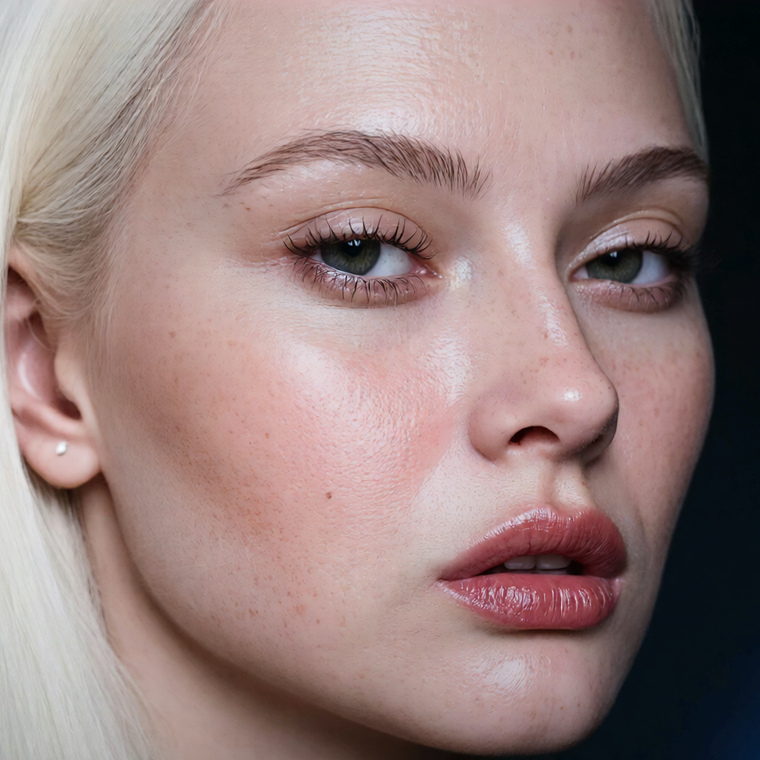
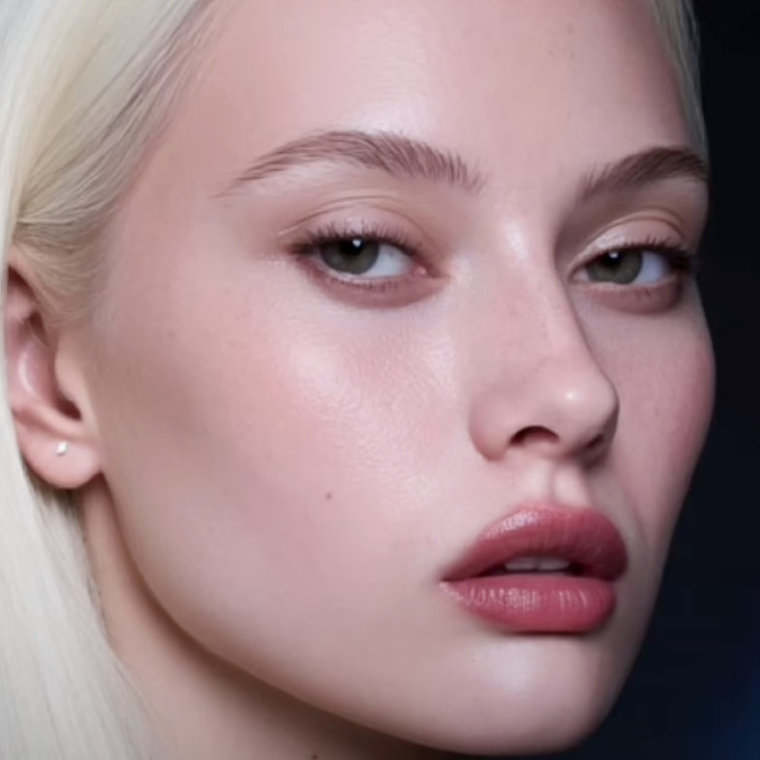 BeforeAfter
AI portrait, before and after enhancement. Drag to compare.
Zoom in
Texture that holds up at 100%.
See the change up close. Drag to compare, or view each example at 100%.
BeforeAfterDrag the divider, or use the arrow keys.
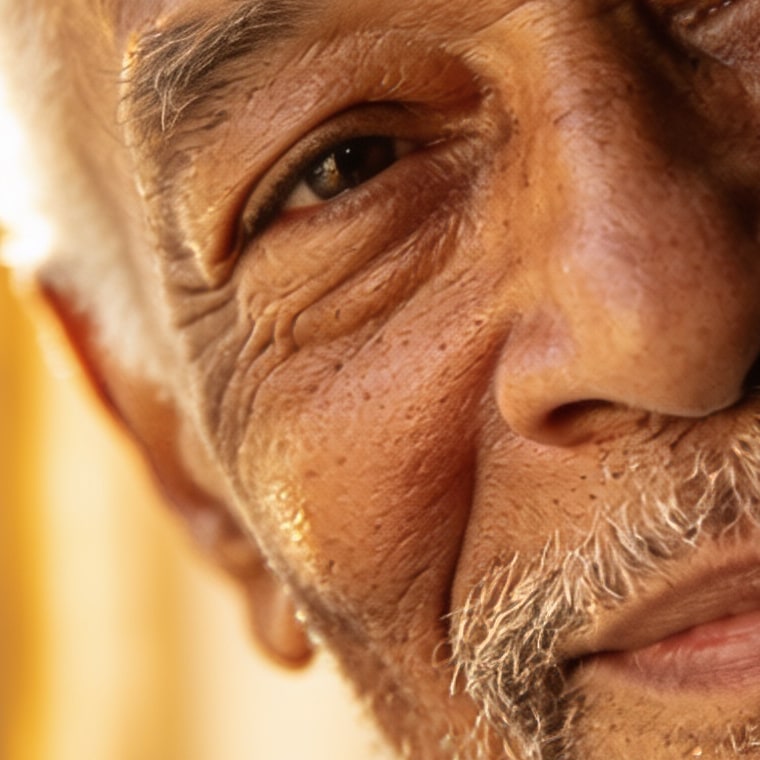
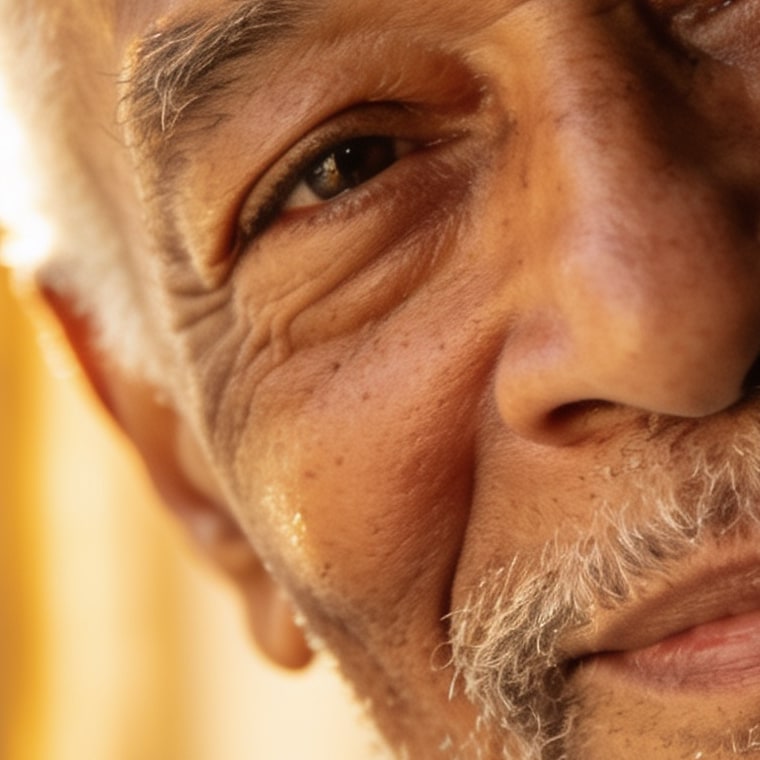 BeforeAfter
Drag the divider, or use the arrow keys.
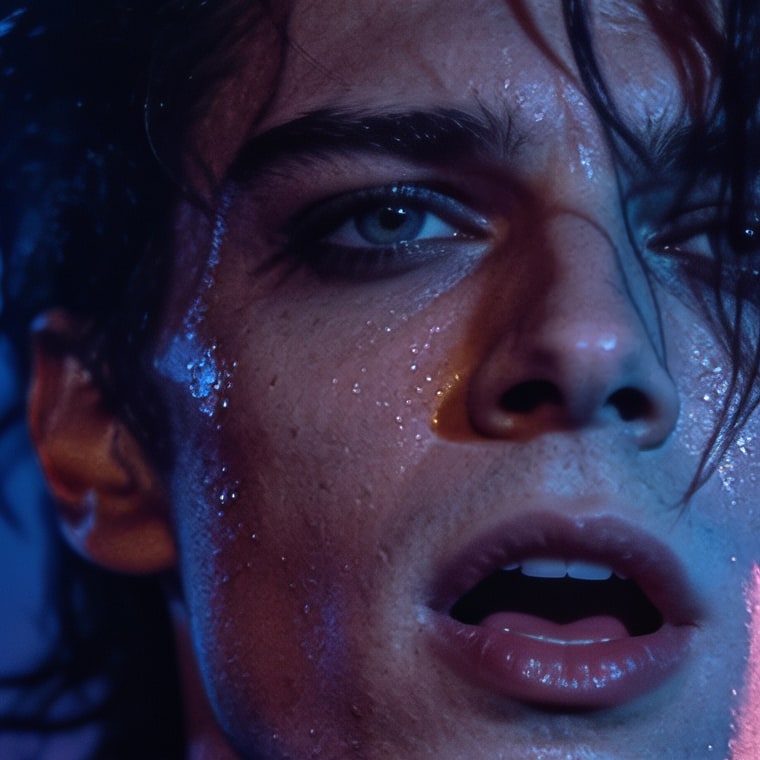
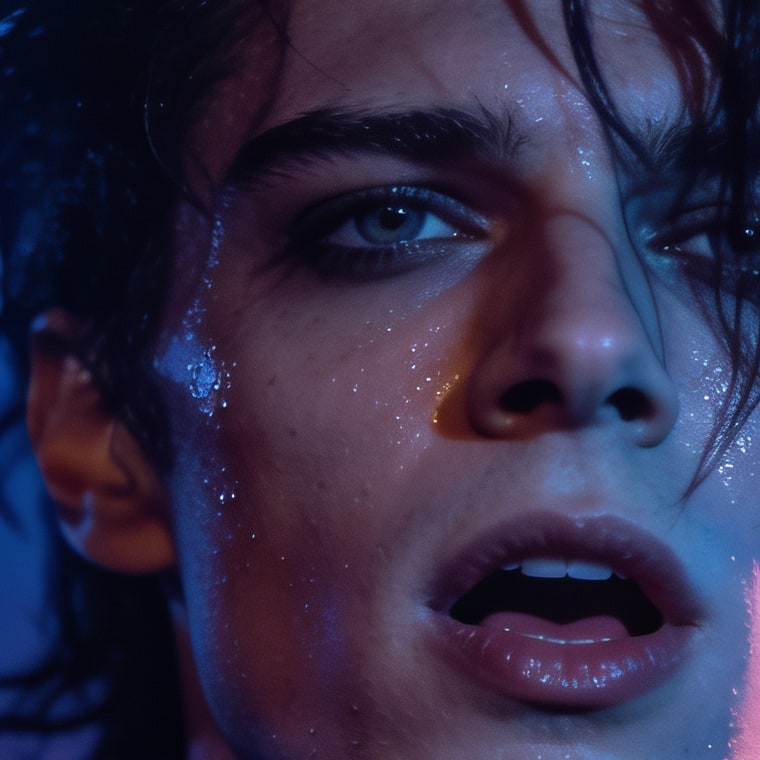 BeforeAfter
Drag the divider, or use the arrow keys.
How it works
Natural detail, in three steps.
- 01
Drop a portrait
Choose an AI portrait or a retouched photo with a clearly visible face.
- 02
Bring skin to life
Add natural-looking pores, texture and subtle skin variation.
- 03
Make it yours
Compare before and after, adjust the detail and shine, then download your result. Adjustments are free.
Made for your portrait
- Before and after comparison
- Adjustable detail
- Shine control
- Full-size downloads, up to 4096 px
- Free adjustments
AI assistants
Manage your portraits from your AI assistant.
Connect your assistant once, then ask it to enhance your portraits, adjust results or find photos in your library. It uses your existing account and credits. ChatGPT support is coming soon.
- Enhance portraits from a file, a link or an upload
- Adjust your results, free
- Find, download and tidy up past results
- Use your existing credits and library
- Claude Desktop
- Claude Code
- Cursor
- Any MCP client
- ChatGPT · coming soon
Add real skin texture to the portrait I just shared. Keep it subtle.
80% · 1 face
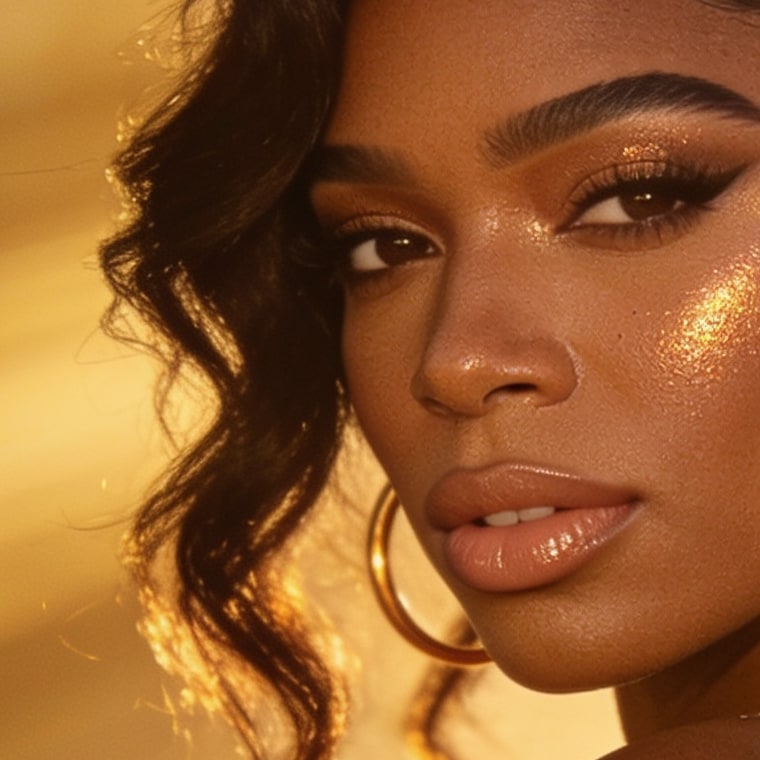
Done. Natural-looking skin detail added. The full-size file is ready and saved to your library. 10 credits used.
Perfect. Try it a touch stronger.
100% · free
Updated to 100%. Adjustments are free, so no extra credits were used.
Pricing
Pay per photo. Re-blend for free.
Credit packs go on sale after the private beta.
Starter
$3.49
100 credits · 10 photos
$0.349 per photo
Studio
$8.99
300 credits · 30 photos
$0.300 per photo
Pro
$24.99
1,000 credits · 100 photos
$0.250 per photo
Questions
How do I get in?
Morphorya Skin is in private beta, and we are inviting people a few at a time. Create an account to join the waitlist. If you have an invite, sign in with the address it was sent to and you go straight to the studio.
What does it change?
It adds natural-looking pores, fine detail and subtle skin variation. The appearance of the face can change, so compare your result with the original before downloading.
What does it cost?
Each photo costs 10 credits, for up to three faces. During the private beta credit packs are not on sale, and a new account gets 10 free credits once it is invited. If an enhancement fails, the credits are refunded automatically.
Can I adjust the result?
Yes. Adjust the detail amount from 0% to 100%, and choose Off, Gentle, Moderate or Strong shine reduction. Adjustments are free. Older texture results retain their original amount range.
Does it work on real photos?
It is built for AI portraits with airbrushed, plastic-looking skin, and works on retouched photographs too. It needs a clearly visible face at least 80 pixels wide.
Can I use it from ChatGPT or Claude?
Yes. An AI assistant can enhance, adjust, find and delete portraits for you, using your credits and library. Claude Desktop, Claude Code, Cursor and other MCP clients connect today with an API key from the Developers page. ChatGPT support is coming soon.
What happens to my photos?
Your original and results are stored in your library so you can compare, adjust and download them. Delete any item and all of its files are removed.
Try it on your next portrait.
Request access